Getting Started
📺 Video Tutorial
▶ Watch: Getting Started — Opens in YouTube
Accessing iSmartOffice™ Provider
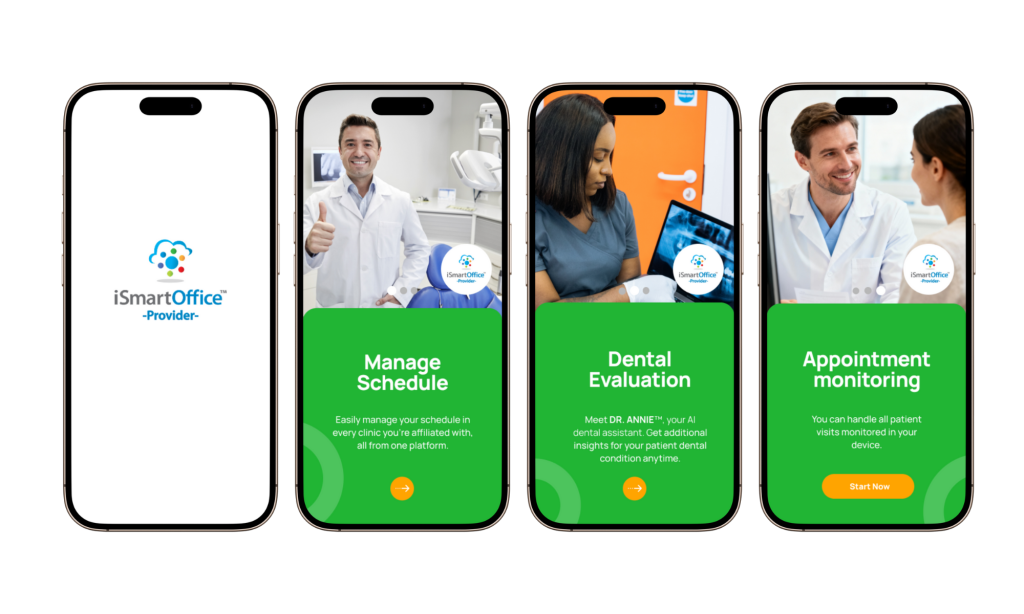
iSmartOffice™ Provider is designed to help dental professionals work more efficiently by simplifying daily interactions with clinics and patients.
To get started:
- Download iSmartOffice™ Provider from the Google Play Store or Apple App Store.
- Open the app and select your preferred language.
- You will be directed to the Login page.
Login or Register
- Existing users Enter your credentials and tap Login.
- New users Tap Register and follow the guided registration steps.
Once registration is completed, you will be taken directly to your Dashboard, where you can begin using the system.