入门
📺 视频教程
▶ Watch: Getting Started — 在 YouTube 中打开
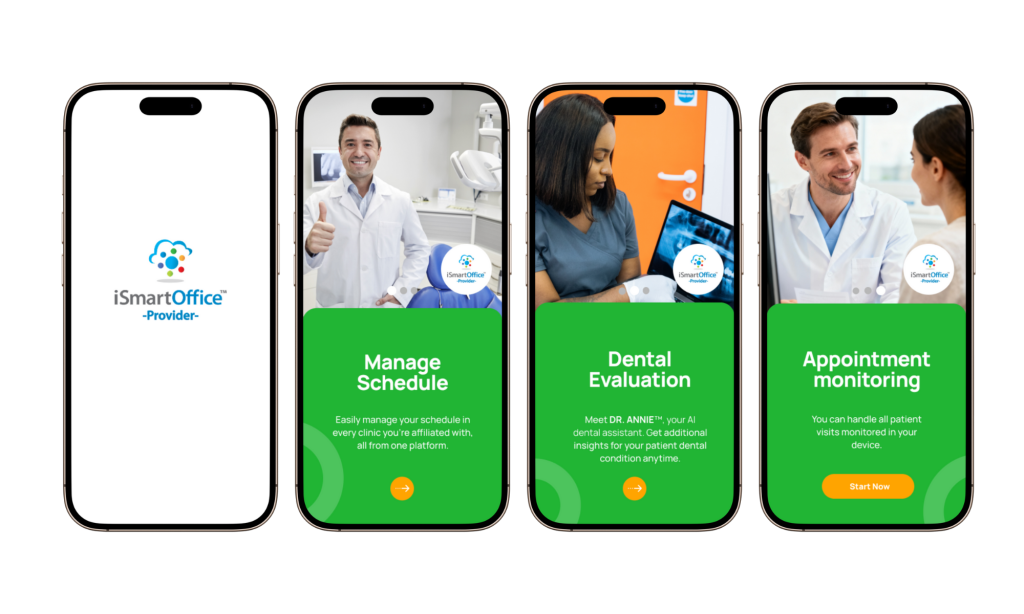
访问 iSmartOffice™ 提供商
iSmartOffice™ Provider 旨在通过简化与诊所和患者的日常互动来帮助牙科专业人员更有效地工作。
开始使用:
- 从 [Google Play 商店](https://play.google.com/store/apps/details?id=ai.ismartoffice. Patient) 或 Apple App Store 下载 iSmartOffice™ Provider。
- 打开应用程序并选择您的首选语言。
- 您将被引导至登录页面。
登录或注册
- 现有用户 输入您的凭据并点击登录。
- 新用户 点击 注册 并按照指导注册步骤进行操作。
注册完成后,您将直接进入仪表板,您可以在其中开始使用系统。