Dashboard Overview
📺 Video Tutorial
▶ Watch: Dashboard Overview — Opens in YouTube
The Dashboard serves as your main control center, providing quick access to schedules, features, and notifications.
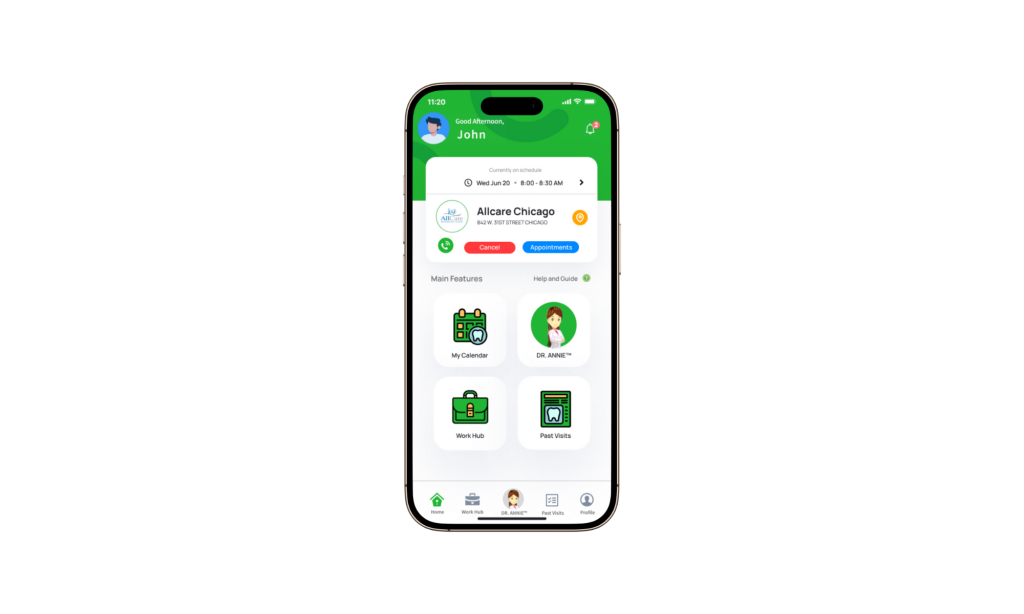
A) Top Navigation
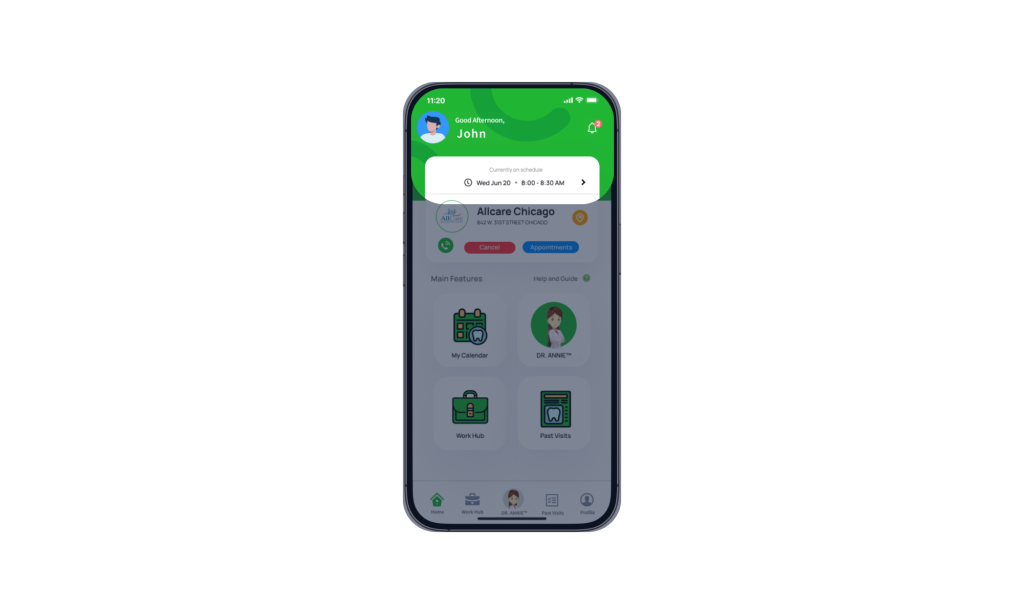
- Top left: Your name and profile photo
- Top right: Notification bell for updates and alerts
B) Current Schedule Card
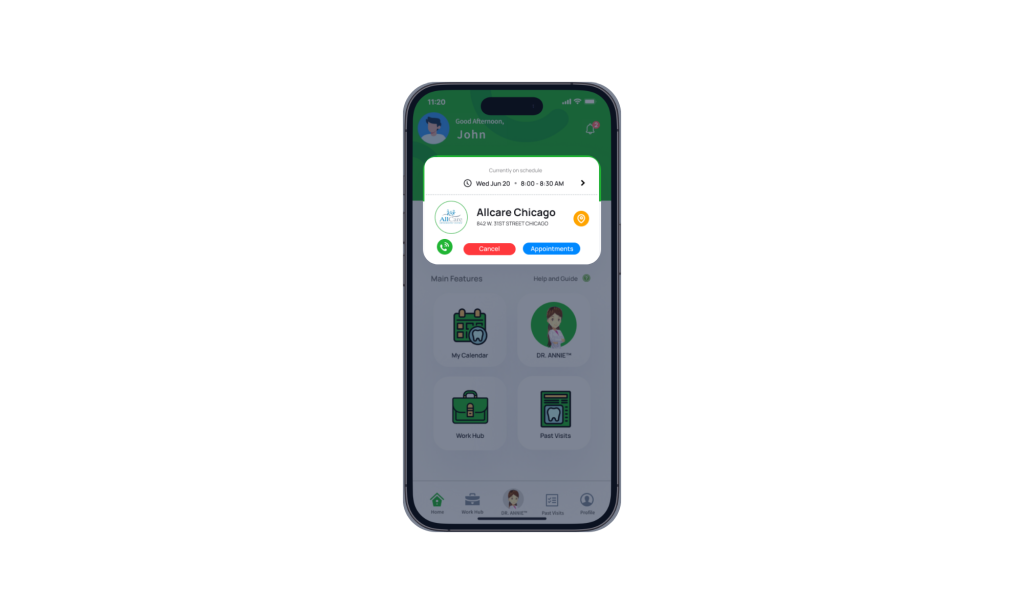
At the center of the dashboard, you’ll find your latest work schedule, including:
- Date and working hours
- Clinic name and address
From this card, you can:
- Cancel a schedule
- View patient appointments
- Call the clinic directly
- Open the clinic location in your device’s map app
C) Main Features
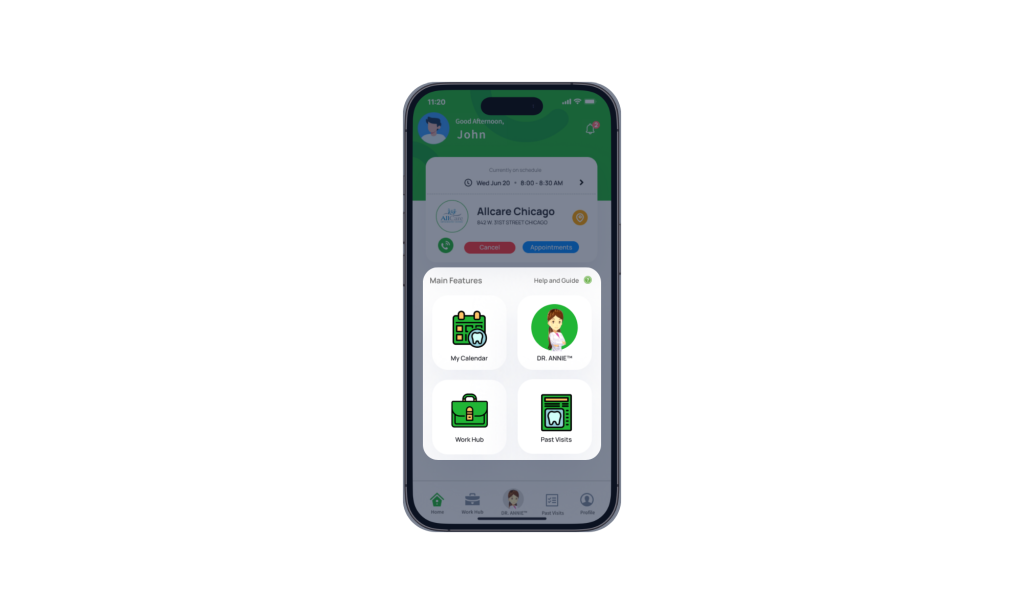
Below the schedule card are the core features of iSmartOffice™ Provider:
- My Calendar View all scheduled appointments based on the selected date.
- DR. ANNIE™ Review dental evaluations for patients assigned to you. Evaluations are only available after patients agree to release their data in compliance with HIPAA.
- WorkHub Manage clinic memberships, schedules, and work applications.
- Past Visit Review records of patients from previous schedules.
D) Quick Access Taskbar
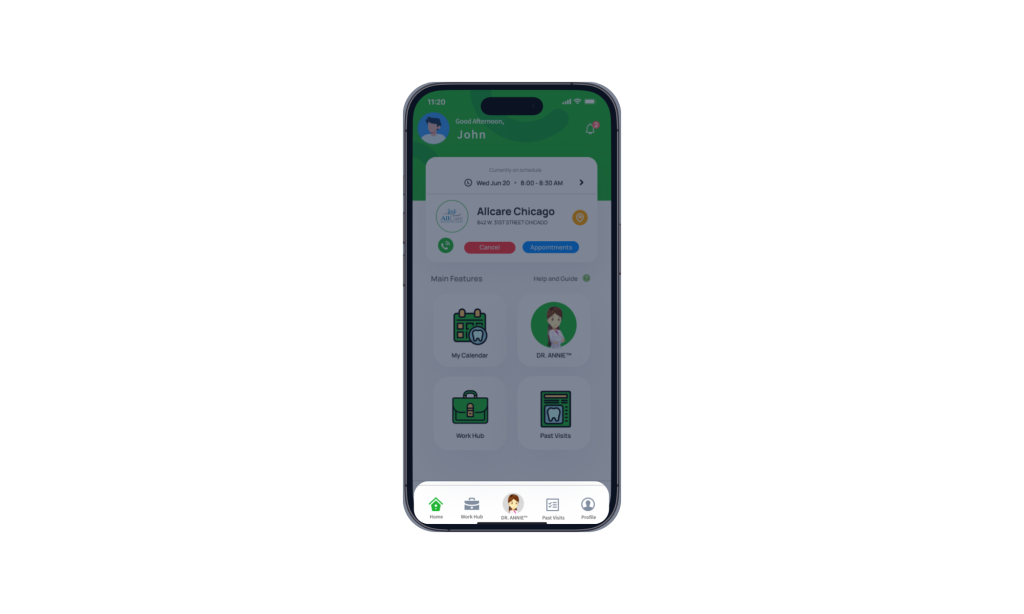
A taskbar at the bottom of the screen allows fast navigation between key sections of the app.